A mockup is a realistic visual preview of how a design, product, website, app, logo, package, or brand idea will look in the real world. Instead of showing a flat design by itself, a mockup places that design in a more natural and professional setting. For example, a logo can be shown on a business card, a t shirt design can be shown on a real shirt, and a website layout can be shown on a laptop screen.
Mockups are useful because they help people understand an idea faster. They turn simple visuals into something easier to imagine, review, and share. For beginners, mockups are one of the easiest ways to make a design look more complete, even before the final product is produced.
What does mockup mean?
The word mockup means a visual model or sample of something before it becomes final. In design, a mockup is not usually the real product. It is a preview. It shows how the final result may look once the design is applied to a real object, screen, package, or space.
A mockup can be simple or very realistic. Some mockups look like clean digital previews. Others look like real photos with shadows, textures, lighting, and perspective. The main goal is always the same: to show an idea clearly before it is finished.
Why are mockups important?
Mockups are important because they make ideas easier to understand. A design file by itself can be hard to judge. A flat logo on a white background may look good, but it can feel incomplete. When the same logo is placed on a sign, box, business card, or website header, it becomes easier to see how it works in real life.
Mockups also help people make better decisions. Designers can test how a design looks before sending it to a client. Business owners can see how packaging might look before printing it. Online sellers can show product ideas before creating a full photo shoot. A mockup saves time, reduces confusion, and improves presentation.
Common types of mockups
There are many types of mockups. Each one is used for a different purpose.
Product mockups
Product mockups show how a design will look on a physical product. This can include bottles, boxes, mugs, bags, notebooks, phone cases, posters, candles, and many other items. They are very useful for online stores, product launches, and brand presentations.
Clothing mockups
Clothing mockups show designs on apparel such as t shirts, hoodies, caps, jackets, and tote bags. They are common in print on demand, fashion brands, merch stores, and social media promotions.
Website mockups
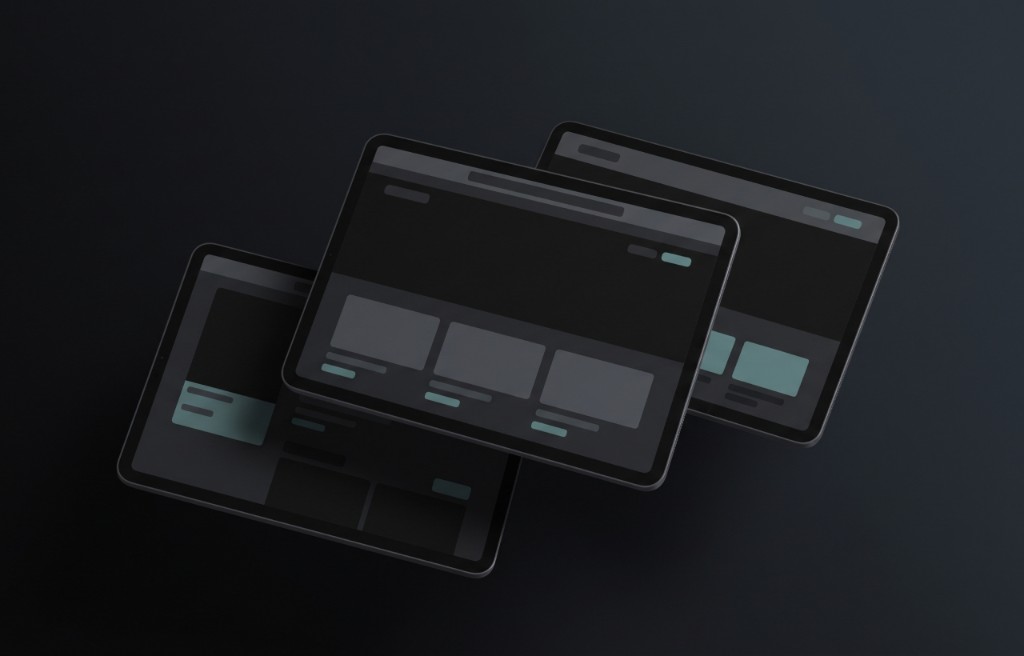
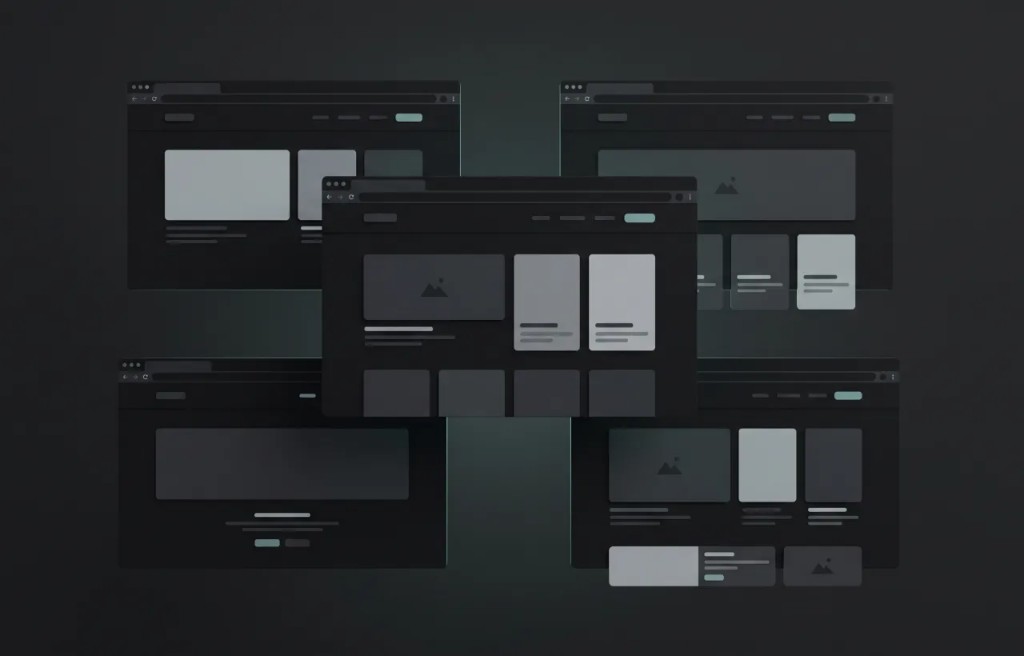
Website mockups show how a web page will look before it is fully built. A website mockup can include the layout, images, buttons, colors, text, spacing, and overall style of the page. It helps designers, clients, and developers understand the final direction of a website.
App mockups
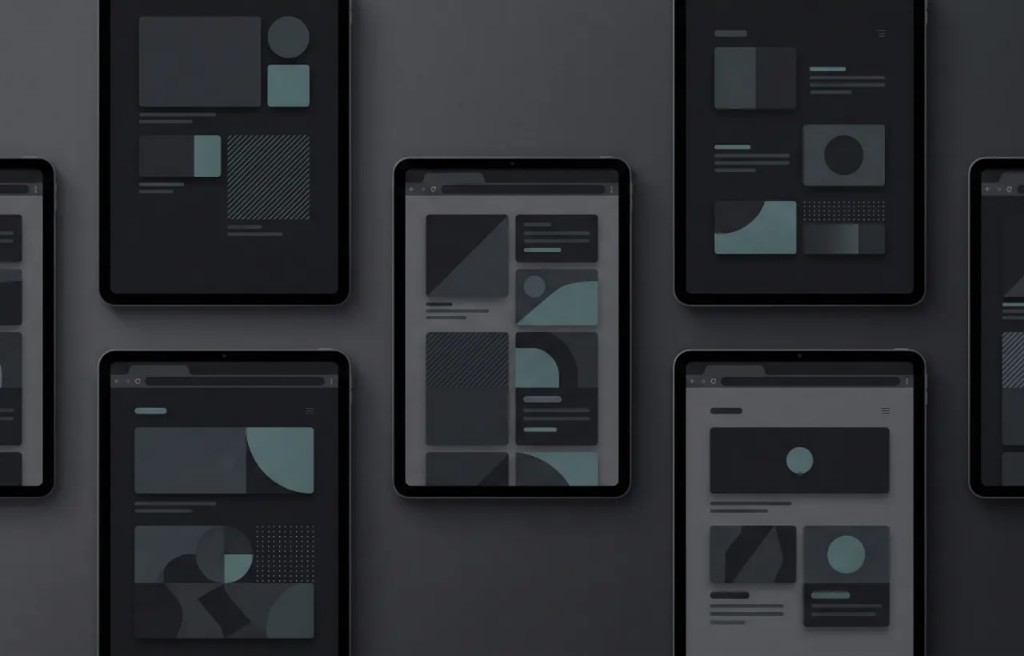
App mockups show how mobile app screens will look on a phone or tablet. They are often used to present app ideas, user interfaces, onboarding screens, dashboards, and mobile product concepts.
Logo mockups
Logo mockups show a logo in real life situations. A logo can appear on a business card, wall sign, packaging, website, letterhead, shopping bag, or product label. This helps show if the logo feels strong, readable, and professional across different uses.
Packaging mockups
Packaging mockups show how a product package may look before it is printed. This can include boxes, labels, pouches, bottles, cans, jars, and bags. Packaging mockups are important because packaging often affects how customers see the value of a product.
Social media mockups
Social media mockups show how posts, ads, profile designs, or campaign visuals may look on platforms like Instagram, Facebook, TikTok, LinkedIn, or Pinterest. They help brands plan content and present campaign ideas more clearly.
Mockup vs design
A design is the original visual work. It may be a logo, image, layout, label, pattern, or screen. A mockup shows that design in context. For example, a coffee label design is just the artwork.
A coffee bag mockup shows that artwork on a realistic coffee bag. The design is the creative asset. The mockup is the presentation of that asset. Both are useful, but they have different roles.
Mockup vs prototype
A mockup and a prototype are not the same thing. A mockup is mainly visual. It shows how something looks. A prototype is usually interactive.
It shows how something works. For example, a website mockup may show the design of a home page. A website prototype may allow someone to click buttons, open menus, and move between pages. Mockups are best for visual presentation. Prototypes are best for testing user actions.
Mockup vs wireframe
A wireframe is a simple structure of a page or screen. It often uses basic boxes, lines, and placeholder text. A mockup is more detailed. It includes colors, images, fonts, and visual style.
A wireframe helps plan the structure. A mockup helps show the final look. For beginners, this difference is important. Wireframes are usually used early in a project. Mockups are usually used when the design direction is more clear.
Who uses mockups?
Many people use mockups, not only professional designers. Graphic designers use mockups to present logos, posters, packaging, and brand materials. Web designers use mockups to show website layouts before development. App designers use mockups to present mobile screens and user interface ideas.
Business owners use mockups to preview products, packaging, and marketing materials. Online sellers use mockups to show products in a more attractive way. Marketers use mockups to create campaign previews, ads, and social media visuals.
Students and beginners use mockups to improve portfolios and practice design presentation. This is why mockups are popular. They are useful for many types of projects.
Benefits of using mockups
Mockups have many benefits, especially for beginners. First, they make a project look more professional. A simple design can feel more polished when shown inside a clean and realistic scene. Second, they help explain ideas faster.
People do not need to imagine how the design will look. They can see it right away. Third, mockups help avoid mistakes. If a logo looks too small on packaging or a color does not work well on a product, it is easier to notice before production.
Fourth, they help with marketing. A good mockup can make a product look more attractive in an online store, portfolio, landing page, or social media post. Fifth, they save money. You can preview a product without hiring a photographer or producing physical samples first.
When should you use a mockup?
You can use a mockup whenever you need to present a visual idea in a realistic way. In simple words, use a mockup when a flat image is not enough.
- Use a mockup when you want to show a client how a design will look.
- Use a mockup when you are preparing images for an online product page.
- Use a mockup when you are building a design portfolio.
- Use a mockup when you are testing a brand idea.
- Use a mockup when you want to compare different design versions.
- Use a mockup when you need better visuals for a presentation.
What makes a good mockup?
A good mockup should be clear, realistic, and easy to understand. The design should fit naturally into the scene. It should not look stretched, blurry, or out of place. The lighting should feel believable.
Shadows and reflections should support the image, not distract from it. The background should match the style of the project. A luxury brand may need a clean and elegant mockup.
A fun product may work better with colorful and playful visuals. A good mockup should also keep the focus on the design. The scene should improve the presentation, not make it confusing.
How beginners can use mockups
Beginners can start using mockups in a simple way. Choose the type of mockup that matches your project. If you have a logo, choose a logo mockup. If you have a t shirt design, choose a clothing mockup.
If you have a website layout, choose a device mockup. Add your design carefully. Make sure it is centered, clear, and not distorted. Check the colors and contrast.
The design should be easy to see. Look at the final result from the point of view of a customer or client. Ask yourself if the mockup makes the idea easier to understand. If the answer is yes, the mockup is doing its job.
Mistakes to avoid
One common mistake is using a mockup that does not match the design style. A serious business logo may not look right in a playful scene. A colorful product may not stand out in a busy background. Another mistake is using low quality images.
Blurry or pixelated mockups can make a good design look unprofessional. A third mistake is adding too many elements. The mockup should not feel crowded.
Simple presentations are often stronger. It is also important not to make the mockup look misleading. The preview should be realistic enough to show what the final product may actually look like.
Are mockups only for designers?
No, mockups are not only for designers. Anyone who needs to present a visual idea can use a mockup. This includes entrepreneurs, content creators, store owners, marketers, students, freelancers, agencies, and small businesses.
Mockups are especially helpful for people who sell digital or physical products online. They make the product easier to understand and more attractive to potential buyers. Even if you are not a designer, a mockup can help you communicate your idea in a clear and professional way.
Final thoughts
A mockup is a visual preview that shows how a design or product idea may look in the real world. It can be used for logos, products, websites, apps, clothing, packaging, social media, and many other creative projects. For beginners, mockups are a simple way to make ideas look more professional and easier to understand. They help with presentation, feedback, marketing, and decision making.
You do not need to be an expert to use mockups. You only need a clear design, the right type of mockup, and a simple goal: show your idea in a better way. When used well, mockups can turn a basic concept into a strong visual presentation.