Browser-based editor
Open Mocklup, upload a screenshot, and start composing. No desktop app, plugin, or account is required to use the core editor.
Mocklup is a free online tool for turning product screenshots into clean 3D-style browser mockups. It was built for people who need launch-ready visuals quickly — without opening a heavy design app or learning a complex workflow.
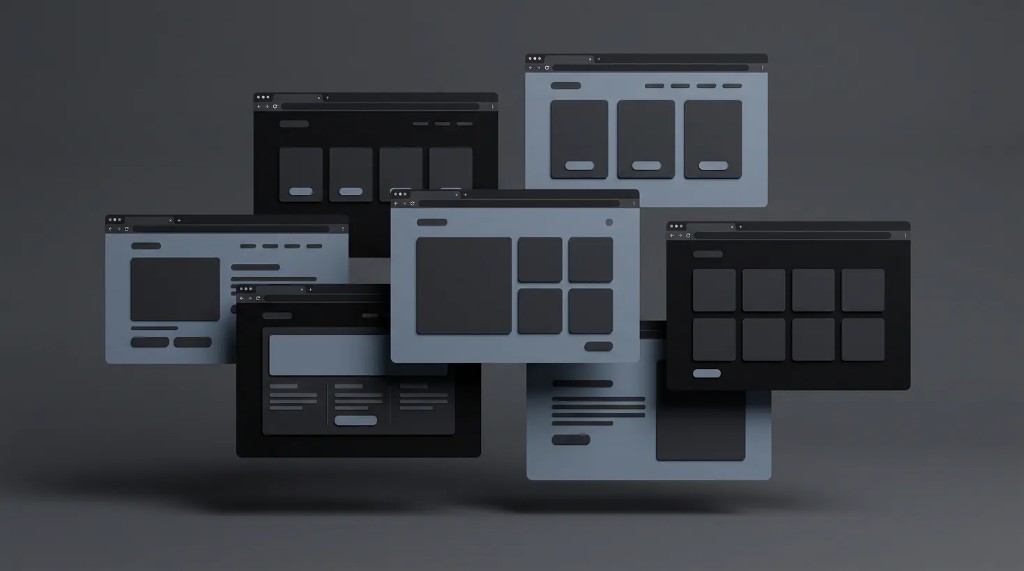
Great products deserve great presentation. A raw screenshot often feels flat in a landing page, portfolio, tweet, pitch deck, or changelog. Mocklup makes it easy to add depth, layout, and background styling so your interface looks intentional and polished.
We wanted a focused tool that does one job well: help you compose screenshot mockups in the browser and export them in seconds.
Open Mocklup, upload a screenshot, and start composing. No desktop app, plugin, or account is required to use the core editor.
Present one, two, or three floating browser windows with preset layouts for launches, comparisons, and product storytelling.
Use solid colors, gradients, images, or transparent exports to match your brand, landing page, or social post.
Export PNG, JPG, or WebP at 1x, 2x, or 4x scale directly from your browser when your mockup is ready.
During normal editing, your uploaded screenshots are handled locally in your browser. That keeps the workflow fast and private while you work on your mockup.
Turn product screenshots into launch visuals without waiting on a design cycle.
Create polished presentation assets for landing pages, decks, ads, and social campaigns.
Showcase UI work in a clean browser-style frame with tilt, depth, and layout control.
Mocklup is ready when you are. Open the editor, upload a screenshot, and export your first mockup in minutes.
Open editor