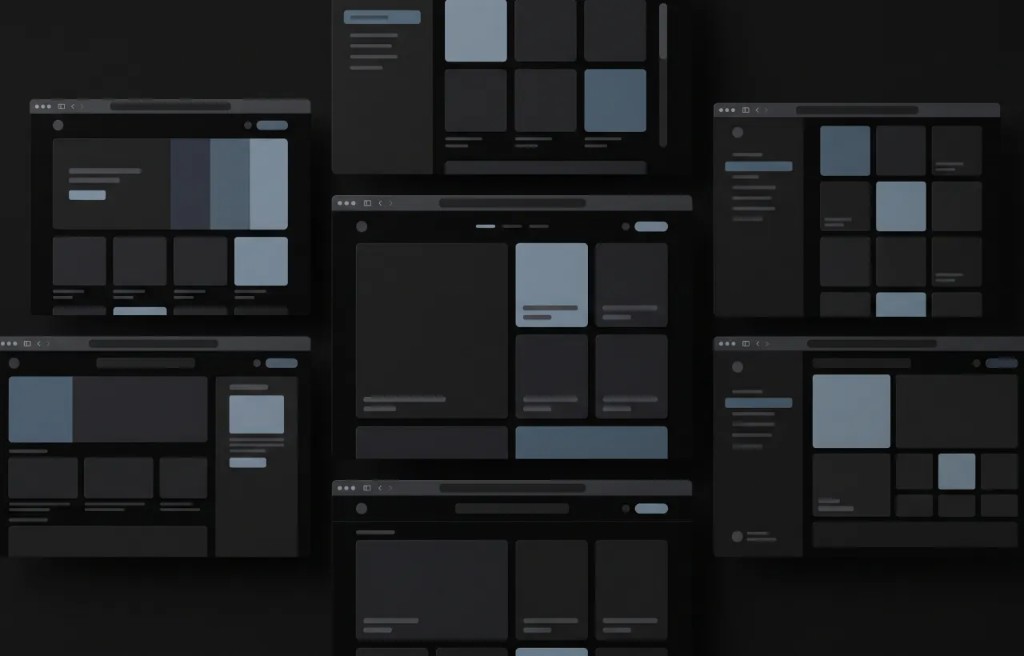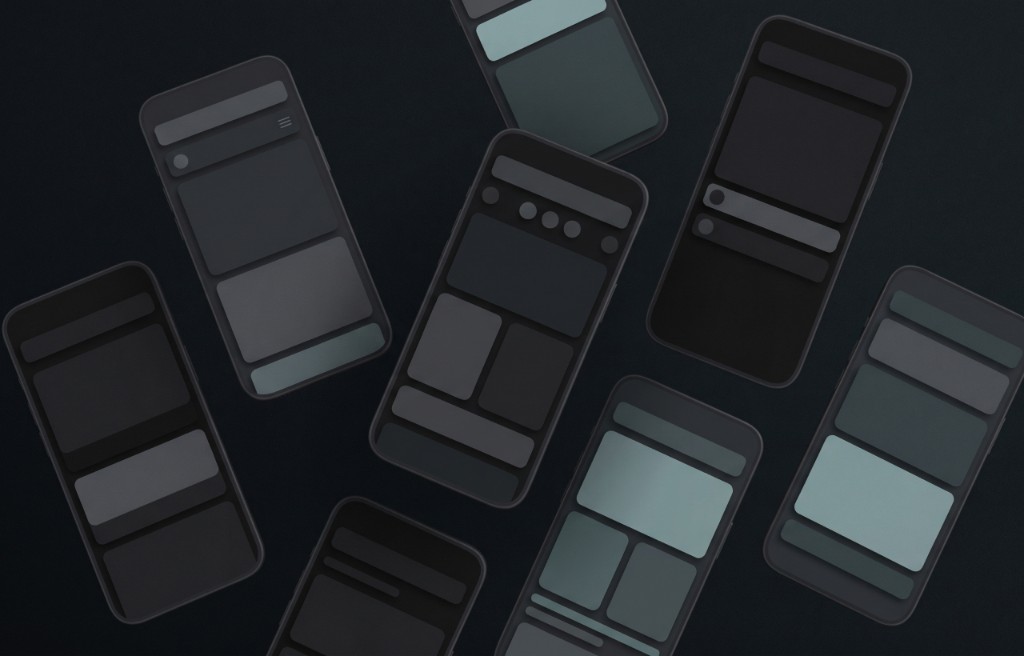
Mockups are used to show how a design, product, website, app, logo, package, or brand idea may look before it becomes final. Two common types of mockups are 2D mockups and 3D mockups. Both can be useful, but they are not the same. A 2D mockup usually looks flat and simple.
A 3D mockup looks more realistic because it has depth, perspective, shadows, and sometimes texture. For beginners, understanding the difference between 2D and 3D mockups can help you choose the right style for your project. In this guide, you will learn what 2D mockups are, what 3D mockups are, how they are different, and when each one is the better choice.
What is a 2D mockup?
A 2D mockup is a flat visual preview of a design. It usually shows the design from a straight front view. It does not have much depth or perspective. A 2D mockup can still look clean and professional, but it is usually more focused on layout, structure, and visual details.
For example, a website page shown as a flat screen layout can be a 2D mockup. A product label shown as a flat rectangle can also be a 2D mockup. A business card design shown from the front is another example. A 2D mockup is useful when the main goal is to review the design clearly.
What is a 3D mockup?
A 3D mockup is a visual preview that shows a design with depth and realism. It can make a product, package, screen, or object look like it exists in a real space. A 3D mockup often includes perspective, lighting, shadows, angles, reflections, and realistic surfaces. For example, a logo shown on a 3D box is a 3D mockup.
A phone case shown from an angled view is a 3D mockup. A website design displayed on a laptop in a realistic scene can also be a 3D mockup. A 3D mockup is useful when the goal is to make the design feel more real, attractive, and ready for presentation.
The main difference between 2D and 3D mockups
The main difference is depth. A 2D mockup is flat. It shows the design in a simple and direct way. A 3D mockup has depth.
It shows the design in a more realistic setting. A 2D mockup is often better for checking layout, spacing, text, colors, and structure. A 3D mockup is often better for showing the final look, product feel, and presentation value. Both types can be professional. The best choice depends on what you want to show.
2D mockups are simple and clear
One of the biggest advantages of a 2D mockup is clarity. Because the mockup is flat, it is easy to see the design without distractions. You can focus on the content, alignment, colors, typography, and layout. This is helpful when you are still making decisions about the design.
For example, if you are creating a website layout, a 2D mockup can help you check if the sections are organized well. If you are designing a package label, a 2D mockup can help you review the text and logo placement. A 2D mockup is simple, but that simplicity can be very useful.
3D mockups feel more realistic
The biggest advantage of a 3D mockup is realism. A 3D mockup helps people imagine how the final design may look in the real world. It can make a product feel more complete, more polished, and more professional. For example, a flat t shirt design shows the artwork.
A 3D t shirt mockup shows how that artwork may look on a shirt with fabric, folds, shadows, and shape. This can make a big difference for online stores, product presentations, portfolios, and marketing visuals. A 3D mockup helps people see the design as part of a real object or scene.
When to use a 2D mockup
A 2D mockup is a good choice when you need a clean and simple preview. Use a 2D mockup when you want to review the design details clearly. It works well for website layouts, app screens, posters, flyers, logos, labels, business cards, social media posts, and flat product previews.
A 2D mockup is also useful in the early stages of a project. If you are still choosing colors, changing text, or adjusting layout, a flat preview may be easier to work with. Use a 2D mockup when accuracy and clarity are more important than realism.
When to use a 3D mockup
A 3D mockup is a good choice when you want the design to look more realistic and presentable. Use a 3D mockup when you need to show a product, package, device, clothing item, or brand material in a more attractive way. It works well for product images, ecommerce stores, packaging previews, clothing designs, branding presentations, portfolio projects, landing pages, and marketing campaigns. A 3D mockup is especially useful when the viewer needs to imagine the final result. Use a 3D mockup when visual impact and realism are important.
2D mockups for websites and apps
2D mockups are very common in website and app design. They help show the structure of each page or screen. A designer can use a 2D mockup to present the header, menu, images, buttons, text sections, forms, and overall layout.
This makes it easier to review how the page works visually. For apps, a 2D mockup can show screens like login, signup, dashboard, profile, settings, checkout, or onboarding. Before a website or app is built, a 2D mockup helps everyone understand the design direction.
3D mockups for websites and apps
3D mockups can also be used for websites and apps, but usually for presentation and marketing. For example, a website design can be shown on a laptop screen in a clean 3D scene. An app screen can be shown inside a phone mockup with realistic lighting and shadows.
This can make a digital product look more professional. A 3D device mockup is useful for landing pages, portfolio images, app store previews, social media posts, and product launch materials. The design itself may still be created in 2D, but the final presentation can use a 3D mockup.
2D mockups for product design
2D mockups are useful for product design when you need to check the artwork. For example, a flat label design can show the exact text, logo, colors, and layout. This helps you review the design before placing it on a bottle, box, pouch, or can.
2D product mockups are also helpful when you need simple product variations. You can compare different colors, label styles, or design versions without adding too much visual detail. This makes the review process easier.
3D mockups for product design
3D mockups are very useful for product design because they show how the product may look in real life. A box can be shown from an angle. A bottle can show its shape and label. A pouch can show shadows and folds.
A can can show reflections and curved surfaces. This helps people understand the final product better. 3D product mockups are often used for ecommerce, branding, packaging design, and marketing because they make the product look more realistic and attractive.
2D mockups for branding
2D mockups can help with branding when the goal is to review brand elements clearly. A logo, color palette, typography system, business card layout, or social media template can be shown in a flat format. This makes it easier to check if the brand identity is consistent. For early branding work, 2D mockups are practical because they keep the focus on the visual system.
3D mockups for branding
3D mockups can make a brand identity feel more complete. A logo can be shown on a wall sign, shopping bag, package, business card, notebook, or store display. These visuals help people imagine how the brand would appear in real life. This is useful for brand presentations, client approvals, portfolios, and marketing materials. A 3D branding mockup can make a brand look more established, even if the business is still new.
Which mockup looks more professional?
Both 2D and 3D mockups can look professional. A clean 2D mockup can look modern, simple, and elegant. A realistic 3D mockup can look polished, premium, and impressive. The professional quality depends on how well the mockup is made and how well it fits the project.
A bad 3D mockup can look worse than a good 2D mockup. A simple 2D mockup with clear spacing and good design can be better than a crowded 3D scene. The best mockup is the one that helps people understand the idea clearly.
Which mockup is better for beginners?
For beginners, 2D mockups are often easier to start with. They are simple, direct, and easier to edit. They help you focus on the design itself. However, 3D mockups are also beginner friendly when you want to make your work look more realistic and ready to share.
A good approach is to use both. Start with a 2D mockup to review the design. Then use a 3D mockup to present the final idea in a more realistic way. This gives you the benefits of both styles.
Which mockup is better for ecommerce?
For ecommerce, 3D mockups are often more useful because customers want to see how a product may look in real life. A flat design may not be enough to help someone understand the product. A 3D mockup can show shape, angle, surface, and visual style.
For products like t shirts, mugs, phone cases, posters, packaging, bottles, and bags, 3D mockups can make product pages more attractive. Still, 2D mockups can be useful for showing close up design details. Some stores use both a 3D product image and a flat design preview.
Which mockup is better for design approval?
For design approval, 2D mockups are often better at the beginning because they are clearer and easier to review. A client or team can look at the design without being distracted by lighting, shadows, angles, or background details. But when the design is almost final, a 3D mockup can help confirm how the design will feel in a real setting. For best results, use 2D mockups for early review and 3D mockups for final presentation.
Common mistakes to avoid
One common mistake is using a 3D mockup too early. If the design is not ready yet, the realistic presentation may distract from basic problems like spacing, color, or text size. Another mistake is using a 2D mockup when the viewer needs more context. If you are selling a product online, a flat image may not show enough information.
A third mistake is choosing a mockup that does not match the brand style. A luxury product needs a clean and premium presentation. A playful product may need a brighter and more casual style. The mockup should support the design, not confuse it.
Can you use both 2D and 3D mockups together?
Yes, using both can be a strong choice. A 2D mockup can show the design clearly. A 3D mockup can show how the design looks in real life. For example, a packaging project may include a flat label preview and a realistic 3D product image.
A website project may include a flat page layout and a 3D laptop presentation. A logo project may include the logo on a plain background and the same logo on a real object. Using both gives a complete view of the project.
Final thoughts
The difference between a 2D mockup and a 3D mockup is simple. A 2D mockup is flat, clear, and focused on the design. A 3D mockup has depth, realism, and a stronger presentation feel. Both are useful.
A 2D mockup is great for reviewing layouts, details, and structure. A 3D mockup is great for showing products, branding, and final presentations in a more realistic way. For beginners, the best option is not always one or the other. In many cases, it is better to use both.
Use 2D mockups when you need clarity. Use 3D mockups when you need realism. When you choose the right type of mockup for the right situation, your design becomes easier to understand, easier to present, and more useful for the people who see it.