A product page has one main job. It should help visitors understand the product and decide if it is right for them. Good text is important, but visuals often create the first impression. Before people read the full description, they usually look at the product image.
Mockups can make product pages stronger because they show products in a clear and realistic way. They help customers see how a design, package, digital product, or physical item may look in use. This is especially helpful for ecommerce stores, digital creators, print on demand sellers, designers, and small brands.
A good product page mockup does not only make the page look nicer. It helps customers understand the product faster and feel more confident while browsing.
What is a product page mockup?
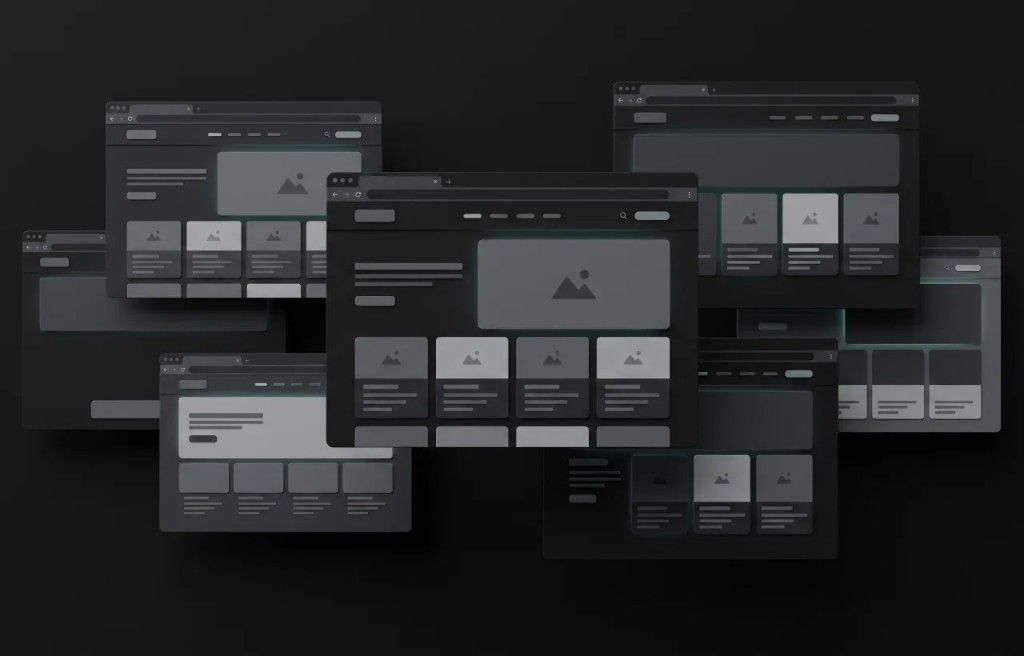
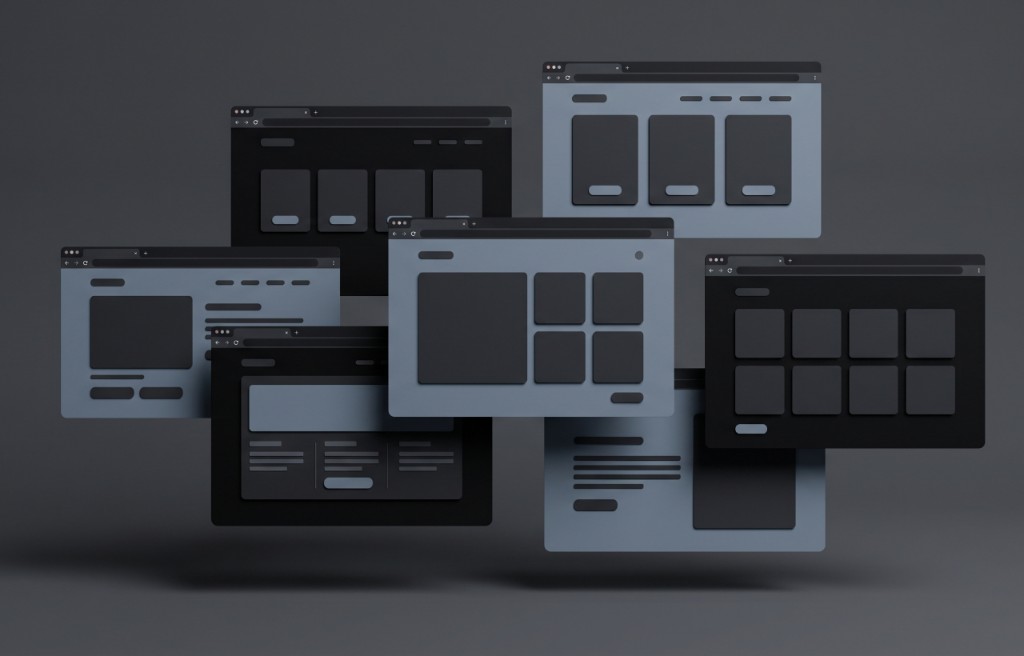
A product page mockup is a visual preview used to present a product on an online store or sales page. It can show a design on a shirt, a label on a bottle, a logo on packaging, a poster in a frame, a website template inside a browser shape, or a digital product as a clean preview.
The goal is to make the product easier to understand. Instead of showing only a flat design file, a mockup shows the product in context. This gives the customer a better idea of what the final result may look like.
Product page mockups are useful because online shoppers cannot touch or test the product. They need clear images to help them make a decision.
Why visuals matter on product pages
When someone visits a product page, the image often speaks first. If the image looks clean and professional, the product feels more trustworthy. If the image looks confusing, blurry, or unfinished, the customer may lose interest.
Visuals help explain things that words can take longer to describe. A mockup can show product shape, design placement, color style, layout, and general mood. It can also show how the product may fit into a real situation.
Strong visuals do not replace a good description, but they support it. Together, images and text make the page easier to understand.
Mockups help customers understand the offer
Customers need to know what they are buying. This sounds simple, but many product pages fail because the offer is not visually clear. A flat graphic, a small preview, or a single image may not give enough information.
A mockup can solve this by showing the product in a more complete way. A t shirt design becomes easier to understand when it appears on a shirt. A packaging design becomes clearer when it appears on a box or bottle. A digital template feels more useful when shown as a realistic preview.
When the offer is easy to understand, customers can make decisions faster.
Use a clear main image
The main product image is usually the most important visual on the page. It should show the product clearly and quickly. A visitor should not have to guess what the product is.
For the main image, choose a mockup that keeps the product large, sharp, and easy to see. Avoid busy backgrounds, small product placement, or scenes that hide the main item. Simple mockups often work best for the first image because they put the focus on the product.
A strong main image can make the page feel more professional from the first second.
Add supporting mockups
One image is often not enough. A good product page can use several mockups, each with a different purpose. One image can show the full product. Another can show a close detail. Another can show a variation. Another can show the product in use.
For example, a poster product page can show the artwork alone, the poster in a frame, and the poster in a room. A packaging page can show the front, side, and group view. A digital product page can show the cover, preview screens, and included materials.
Each mockup should answer a customer question. If an image does not add useful information, it may not be needed.
Show product details clearly
Small details can affect buying decisions. Customers may want to see label text, print placement, package shape, layout quality, or design style. Mockups can help show these details when they are created with clarity.
Use close up mockups when details matter. A close view can show texture, design placement, interface layout, or important visual elements. This can reduce doubt and make the product feel more complete.
The key is balance. Close details are useful, but the page should still include a full product view so customers understand the whole item.
Show variations when available
Many products come in different versions. These can include colors, sizes, styles, layouts, flavors, covers, or package designs. Mockups make variations easier to compare.
For example, a shirt design can be shown on different fabric colors. A product label can be shown across different scents or flavors. A digital planner can show light and dark versions. A website template can show different page layouts.
Clear variation mockups help customers choose the option they prefer. They also make the page feel more complete and useful.
Keep the mockup style consistent
Consistency matters on product pages, especially if the store has many products. If every image has a different style, the store can feel messy. Consistent mockups make the brand look more organized.
Try to use similar lighting, backgrounds, spacing, product angle, and image size. The mockups do not need to be identical, but they should feel like part of the same visual system.
This helps customers focus on the products instead of being distracted by changing image styles.
Use realistic but honest mockups
A mockup should make the product look attractive, but it should not create false expectations. Customers should receive something close to what the image suggests. If the mockup looks too different from the real product, trust can be damaged.
Avoid showing a product much larger than it is. Avoid colors that are far from the real result. Avoid materials that look more premium than the final item. Avoid extra objects that make customers think they are included.
Honest mockups build long term trust. They help the product look good while staying realistic.
Make mockups easy to view on mobile
Many shoppers browse product pages on phones. This means mockups must be clear on small screens. A mockup that looks beautiful on desktop may become hard to understand on mobile if the product is too small or the details are too crowded.
Before publishing, check the image on a phone size. Make sure the product is visible, the design is clear, and important details are not lost. Simple compositions often work better for mobile because they are easier to read quickly.
Mobile friendly mockups can improve the shopping experience for many visitors.
Use mockups to support the product description
A product description explains the offer with words. A mockup explains it with visuals. The best product pages use both together.
If the description says the product is minimal, clean, and modern, the mockup should support that feeling. If the product is colorful and playful, the visuals should match. If the product is premium, the mockup should feel polished and refined.
When images and text tell the same story, the product page becomes more convincing.
Mockups for digital products
Digital products often need mockups because they do not have a physical shape. Without a visual preview, customers may not understand what they are getting.
Mockups can help present ebooks, templates, courses, website layouts, app screens, design packs, dashboards, and downloadable files. A clean browser style preview, card layout, or product bundle image can make the offer feel more real.
This helps customers understand the value of a digital product before they buy or download it.
Mockups for physical products
Physical products also benefit from mockups, especially when design and appearance are important. Apparel, mugs, bottles, boxes, labels, posters, stickers, bags, and packaging can all be shown with mockups.
A physical product mockup should show the design placement clearly. It should also help customers understand the shape, size, color, and style of the item.
For physical products, accuracy is very important because customers will compare the mockup with the final product they receive.
Avoid overcrowded product images
A product page should be easy to understand. If a mockup has too many objects, strong effects, or visual noise, it can make the page feel crowded. The customer may not know where to look.
A clean mockup is often more effective than a dramatic one. The product should be the main focus. Backgrounds, shadows, props, and textures should support the product, not compete with it.
When in doubt, choose clarity over decoration.
Common product page mockup mistakes
One common mistake is using only one image to explain a product. Another mistake is choosing mockups that look stylish but do not show the product clearly. Low quality images, stretched designs, poor placement, and inconsistent styles can also hurt the page.
Some sellers use mockups that look too unrealistic. This may create interest at first, but it can reduce trust if customers feel unsure about what they will actually receive.
The best product page mockups are clear, honest, high quality, and useful.
Simple checklist for product page mockups
Before adding a mockup to a product page, ask a few simple questions. Is the product easy to see? Does the mockup explain the offer? Is the design clear? Does the image match the real product? Does it look good on mobile? Does it fit the brand style? Does it support the product description? Does it help customers feel more informed?
If the answer is yes, the mockup is probably helping the page. If the answer is no, the image may need to be replaced or improved.
Final thoughts
Product page mockups can make online shopping easier by turning product ideas into clear visual previews. They help customers understand what is being sold, how the design looks, and what they can expect.
A good mockup should be clear, realistic, consistent, and honest. It should support the product description and improve the overall shopping experience. It should also work well on both desktop and mobile screens.
For ecommerce brands, digital creators, designers, and online sellers, mockups are more than visual decoration. They are part of the product communication.
When used well, mockups can make product pages feel more professional, more trustworthy, and easier for customers to understand.