Mockups are useful because they help people see how a design will look in a real situation. A flat design can be hard to imagine. A logo on a blank background, a label without a bottle, or a website layout without a screen may not show the full idea. A mockup solves this by placing the design on a product, device, package, screen, or object.
There are many types of mockups. Each type has a different purpose. Some mockups are used for online stores. Some are used for branding.
Some are used for websites, apps, packaging, clothing, or product presentations. Understanding the main types of mockups can help you choose the right one for your project. In this guide, you will learn the most common types of mockups and how they are used.
What are mockup types?
Mockup types are different categories of mockups based on what they show. For example, a t shirt mockup shows a design on a t shirt. A logo mockup shows a logo in a real world setting. A website mockup shows a web page layout.
A packaging mockup shows a box, bottle, bag, pouch, or label. Each mockup type helps with a different goal. The best mockup type depends on what you want to present and who will see it.
Product mockups
Product mockups show how a design looks on a physical product. This can include mugs, bottles, boxes, phone cases, books, candles, jars, cans, posters, bags, notebooks, and many other items. Product mockups are very popular because they help people understand what a final product may look like before it is made.
For example, if you are creating a custom mug design, a product mockup can show the design on a realistic mug. If you are designing a candle label, a product mockup can show the label on a candle jar. This makes the product easier to understand and more attractive to present.
When to use product mockups
Use product mockups when you want to show a physical item in a realistic way. They are useful for online stores, product pages, social media posts, advertising, product launches, and brand presentations. Product mockups are also helpful when a product does not exist yet. You can show the idea before ordering samples or creating a photo shoot. This can save time and help you test different product designs faster.
Why product mockups are important
Product mockups are important because people often make decisions based on visuals. In an online store, customers cannot touch the product. They need to understand it from images.
A clear product mockup can help show the style, design, shape, and purpose of the item. A good product mockup can make a product feel more professional and trustworthy. It can also help a brand look more prepared, even if the product is still in the planning stage.
Apparel mockups
Apparel mockups show designs on clothing and fabric based products. Common apparel mockups include t shirts, hoodies, sweatshirts, caps, tote bags, jackets, socks, and uniforms. These mockups are often used by clothing brands, print on demand sellers, merch stores, designers, creators, and online shops.
For example, a graphic design can be placed on a t shirt mockup to show how it may look when printed. A logo can be placed on a cap or hoodie to show branded clothing. Apparel mockups help people imagine how the design will look when worn or used.
When to use apparel mockups
Use apparel mockups when your design will appear on clothing or fabric. They are useful for fashion stores, merch collections, online product pages, social media previews, brand presentations, and print on demand products. A simple flat design may not show how the artwork will look on fabric. An apparel mockup can show the design in context.
It can also help compare different colors and styles. For example, the same t shirt design may look different on black, white, gray, or colored fabric. A mockup makes it easier to choose the best option.
What makes a good apparel mockup?
A good apparel mockup should make the design easy to see. The print should not look stretched, blurry, or badly placed. It should follow the shape of the clothing naturally. The mockup should also match the style of the brand.
A streetwear brand may need a different style than a fitness brand or a minimal fashion brand. The background should not distract from the clothing. For ecommerce, simple and clear apparel mockups often work best.
Website mockups
Website mockups show how a website page will look before it is built or published. They can show the layout, header, buttons, images, text areas, colors, spacing, and overall style of a page. Website mockups are useful for designers, developers, business owners, agencies, freelancers, and clients. For example, a website mockup can show the home page of a business website, the product page of an online store, or the landing page of a new service. A website mockup helps everyone understand the design direction before the website is finished.
When to use website mockups
Use website mockups when you need to plan or present a web page. They are helpful before coding, before launching, and before sending a design for approval. A website mockup can help you find problems early.
You can check if the page is too crowded, if the call to action is clear, if the images fit well, and if the layout feels easy to understand. Website mockups are also useful for portfolios and marketing presentations. They help show website designs in a clean and professional way.
Website mockups on devices
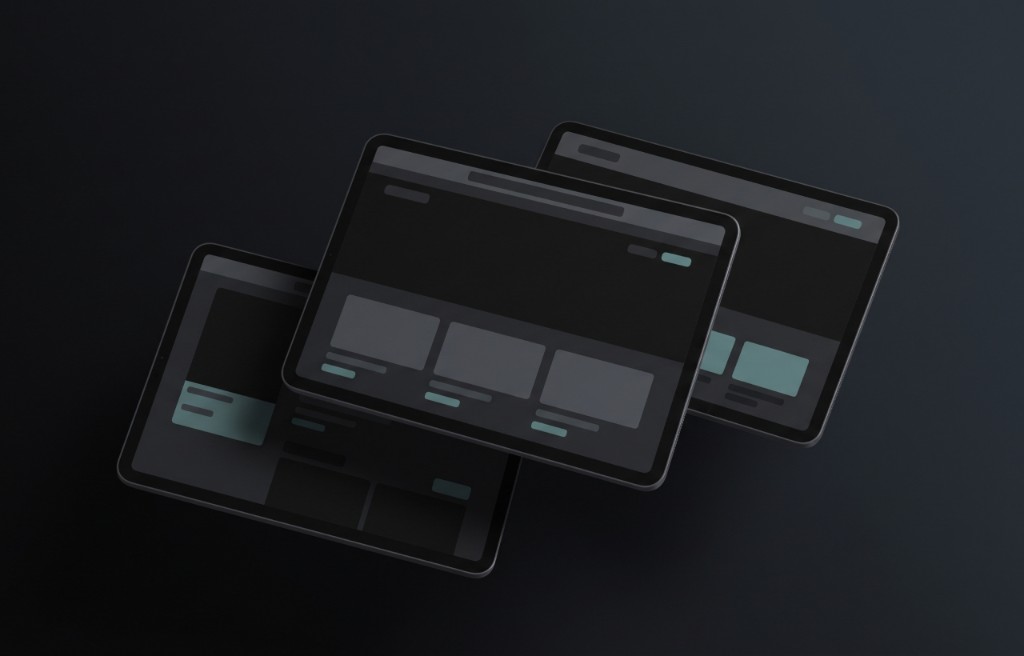
Some website mockups show the design inside a device, such as a laptop, desktop screen, tablet, or phone. This can make the website feel more real. A flat website layout is useful for reviewing details.
A device mockup is useful for presentation. For example, a designer may show the full website layout as a flat image and also show the same layout inside a laptop mockup for a more polished presentation. Both styles can be useful.
App mockups
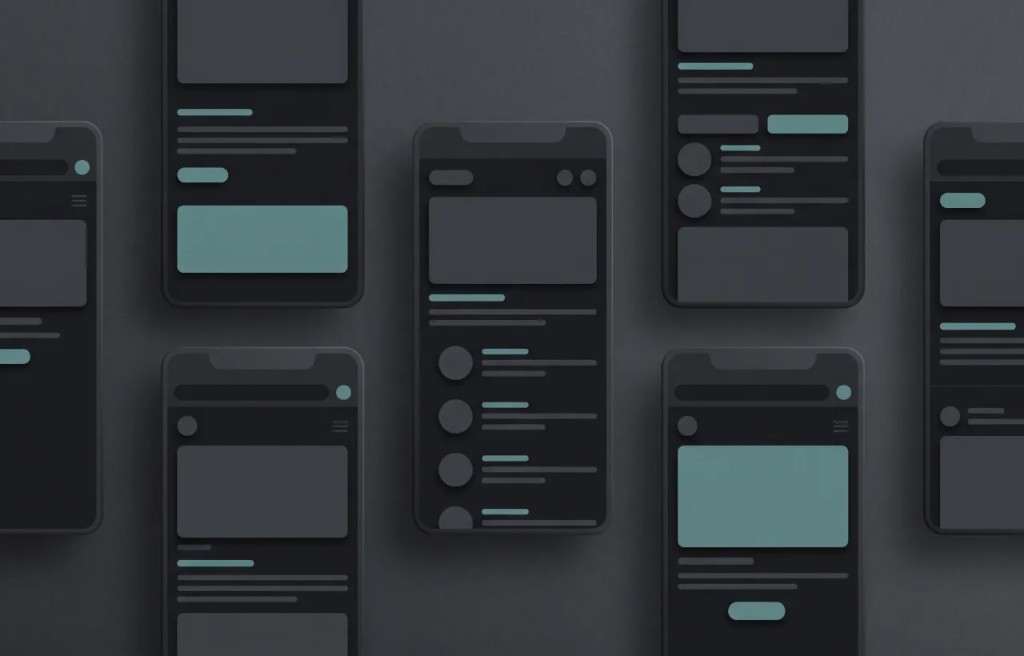
App mockups show how mobile app screens will look. They can include login screens, home screens, dashboard screens, profile pages, menus, settings pages, product pages, and checkout screens. App mockups are often shown inside phone or tablet frames.
This helps people imagine the app on a real device. App mockups are useful for app designers, startup founders, developers, product teams, and anyone planning a mobile experience. They help explain the visual direction of an app before it is fully developed.
When to use app mockups
Use app mockups when you need to present a mobile app idea clearly. They are useful for planning, design review, client presentations, investor presentations, app landing pages, and app store visuals. An app idea can be hard to explain with words alone.
A mockup makes it easier to show what the user will see. For example, if you are creating a fitness app, mockups can show the workout screen, progress screen, profile screen, and subscription screen. This helps people understand the app faster.
What makes a good app mockup?
A good app mockup should be simple and clear. The screen should be easy to read. Buttons should be visible. Text should not be too small.
The layout should feel clean. If the app has multiple screens, the mockups should look consistent. Colors, spacing, icons, and style should feel connected. A good app mockup helps viewers understand the product without needing a long explanation.
Logo mockups
Logo mockups show a logo in realistic places. A logo can be shown on a business card, sign, wall, package, bag, website, notebook, uniform, label, or storefront. Logo mockups are useful because a logo is not only meant to sit on a blank background.
It needs to work in many different situations. A logo may look good alone, but it should also look good when used by a real brand. Logo mockups help show how strong and flexible a logo is.
When to use logo mockups
Use logo mockups when presenting a brand identity. They are useful for designers, branding projects, client presentations, portfolios, and business previews. A logo mockup can help a client understand how the logo will appear in real life.
For example, a restaurant logo can be shown on a menu, sign, apron, cup, and takeaway bag. A beauty brand logo can be shown on packaging, labels, cards, and social media visuals. This makes the brand feel more complete.
What makes a good logo mockup?
A good logo mockup should keep the logo readable. The logo should not be too small, too distorted, or placed on a background that makes it hard to see. The scene should match the brand personality.
A luxury logo may look better on a clean card, elegant package, or simple sign. A playful logo may look better in a colorful and friendly scene. The goal is to make the logo feel natural and useful.
Packaging mockups
Packaging mockups show how product packaging may look before production. They can include boxes, bottles, cans, jars, bags, pouches, labels, wrappers, tubes, and cartons. Packaging mockups are very important for product brands because packaging affects how customers see the product. A good package can make a product feel more valuable, clear, and trustworthy. Packaging mockups help brands preview ideas before printing or manufacturing.
When to use packaging mockups
Use packaging mockups when designing or presenting product packaging. They are useful for food products, beauty products, health products, candles, coffee, drinks, supplements, gifts, and many other items. A packaging mockup helps show the shape, label, logo, color, and product style.
It can also help compare different versions. For example, a brand can test several label designs on the same bottle mockup before choosing the final version. This can help avoid expensive printing mistakes.
What makes a good packaging mockup?
A good packaging mockup should look realistic and easy to read. The label should follow the shape of the package. The text should be visible. The logo should be clear.
The colors should match the brand. The package should not look too crowded. A clean packaging mockup can make the product feel more professional and easier to understand. Packaging mockups are especially useful when preparing product pages, pitch decks, catalogs, and launch materials.
Branding mockups
Branding mockups show how a full brand identity looks across different materials. This can include logos, business cards, letterheads, envelopes, packaging, signs, social media images, stickers, and merchandise. Branding mockups help show the complete look of a brand.
They are useful because a brand is more than one logo. A brand includes many visual parts that should work together. A branding mockup helps people see if the full identity feels consistent and professional.
When to use branding mockups
Use branding mockups when presenting a new brand, a rebrand, or a visual identity project. They are useful for designers, agencies, startups, small businesses, and portfolios. A branding mockup can show how the logo, colors, fonts, and style work together in real situations. This makes the brand easier to understand and easier to approve. For example, a coffee shop brand presentation may include mockups for cups, bags, menus, signs, uniforms, and social media posts.
Social media mockups
Social media mockups show how content may look on platforms such as Instagram, Facebook, TikTok, LinkedIn, or Pinterest. They can show posts, ads, stories, profile pages, banners, and campaign visuals. Social media mockups are useful for planning content and presenting campaigns. They help brands see how their visuals may appear before publishing. For example, a marketing team can use mockups to preview a product launch campaign before posting it online.
When to use social media mockups
Use social media mockups when planning or presenting content for social platforms. They are useful for brands, creators, agencies, marketers, and designers. A social media mockup can help show how a campaign will look as a full set of posts instead of single images. This helps teams review style, consistency, and message before the content goes live. Social media mockups are also useful for portfolios because they show how a design works in a real digital space.
Print mockups
Print mockups show how printed materials may look. Common print mockups include posters, flyers, brochures, business cards, magazines, book covers, invitations, menus, and stationery. Print mockups help people preview printed designs before sending them to production. They can show the size, layout, texture, and presentation style of the printed item.
For example, a poster mockup can show the design on a wall. A book cover mockup can show the cover as a real book. A menu mockup can show how a restaurant menu may look on a table.
When to use print mockups
Use print mockups when presenting any design that will be printed. They are helpful for designers, businesses, restaurants, events, publishers, and marketing teams. A print mockup can make a design feel more real and easier to approve. It can also help find issues before printing, such as text that is too small or a layout that feels too crowded. Print mockups are simple, but they can make a presentation much stronger.
Device mockups
Device mockups show digital designs on devices. Common device mockups include phones, tablets, laptops, desktop monitors, smart watches, and screens. They are often used for websites, apps, dashboards, software, online courses, and digital products. A device mockup helps make a digital design feel more real.
For example, a website landing page can be shown on a laptop. An app screen can be shown on a phone. A dashboard can be shown on a desktop monitor.
When to use device mockups
Use device mockups when presenting digital products or screen based designs. They are useful for landing pages, portfolios, app previews, software presentations, digital product pages, and marketing campaigns. A device mockup helps viewers understand where the design will be used. It also makes digital products look more professional and easier to imagine.
How to choose the right mockup type
To choose the right mockup type, start with the final use of your design. If the design is for clothing, use an apparel mockup. If the design is for a product, use a product mockup. If the design is for packaging, use a packaging mockup.
If the design is for a website, use a website or device mockup. If the design is for an app, use an app mockup. If the design is for a logo or brand identity, use logo and branding mockups. The mockup should match the real use of the design.
Can you use more than one mockup type?
Yes, you can use more than one mockup type for the same project. In many cases, this is a good idea. For example, a brand identity project may include logo mockups, packaging mockups, social media mockups, and print mockups.
A product launch may include product mockups, packaging mockups, website mockups, and social media mockups. A mobile app project may include app mockups, device mockups, website mockups, and marketing visuals. Using different mockup types can help tell a more complete story.
Common mistakes when choosing mockups
One common mistake is choosing a mockup only because it looks beautiful, even if it does not match the project. A mockup should support the design. It should not confuse the viewer. Another mistake is using too many styles at the same time.
If every mockup has a different look, the presentation may feel messy. A third mistake is using a mockup that makes the design hard to see. The design should always be clear and readable. A good mockup should improve the presentation, not hide the main idea.
Final thoughts
There are many types of mockups, and each one has a different purpose. Product mockups are useful for showing physical items. Apparel mockups are useful for clothing and fabric products. Website mockups help present web pages.
App mockups help show mobile screens. Logo mockups help present brand marks in real situations. Packaging mockups help preview boxes, labels, bottles, and bags. There are also branding mockups, social media mockups, print mockups, and device mockups.
The best mockup type depends on your project, your audience, and your goal. If you want to present a design clearly, choose a mockup that matches the real use of the design. If you want to make a product feel more professional, choose a mockup that looks clean, realistic, and easy to understand. A good mockup does more than make a design look nice. It helps people see the idea, understand the value, and imagine the final result.