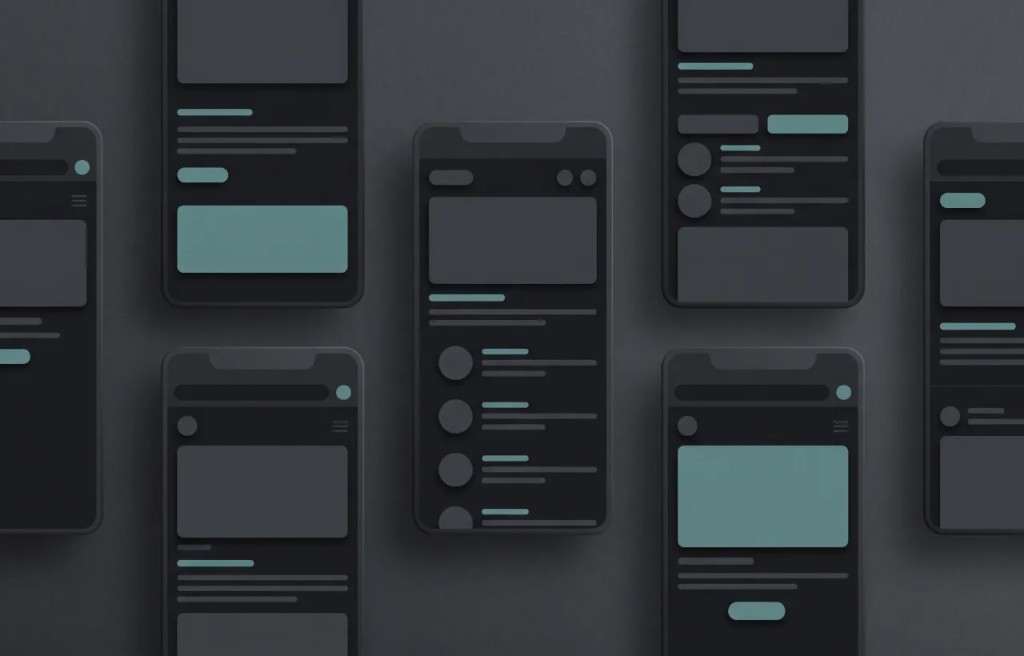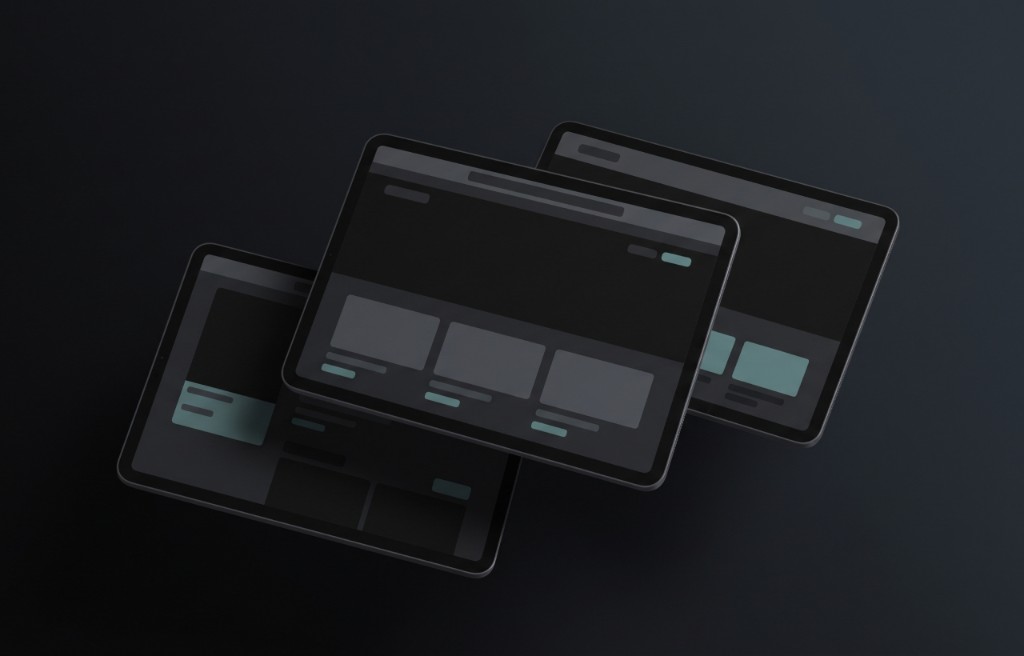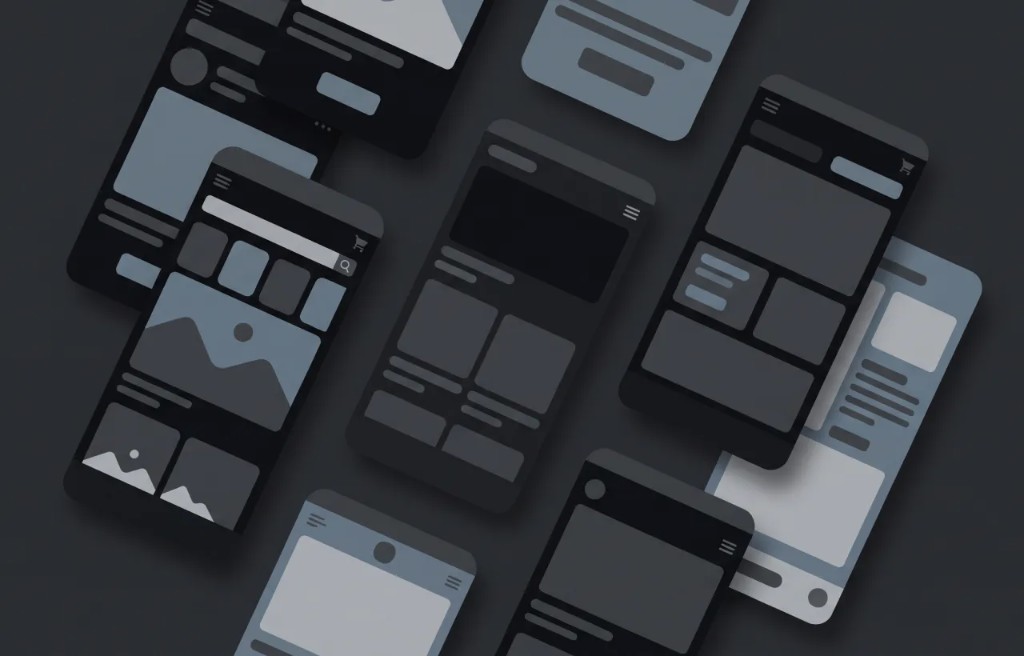
Selling online is not only about having a good product. It is also about showing the product in a clear, attractive, and trustworthy way. When people shop online, they cannot touch the product. They cannot see it in person.
They cannot hold it, feel the texture, or check the size with their own hands. They depend on images, descriptions, and the way the product is presented. This is where mockups can help. A mockup is a visual preview that shows how a product, design, package, website, app, or digital item may look in a realistic setting.
For online sales, mockups can make a product easier to understand and more appealing to customers. A good mockup can help people imagine the product in real life. It can make a simple design look more professional. It can also help customers feel more confident before buying. In this guide, you will learn how to use mockups to sell more online in a simple and practical way.
Why visuals matter in online sales
People often notice the image before they read the product description. A strong product image can create interest quickly. A weak image can make people leave without learning more. This is especially true for online stores, digital products, print on demand items, templates, apps, ebooks, courses, and custom products.
The image is often the first impression. If the product image looks clear and professional, customers are more likely to trust the product. If the image looks confusing, blurry, or unfinished, customers may feel unsure. Mockups help improve this first impression by showing the product in a better context.
Mockups make products easier to understand
A flat design does not always explain the final product. For example, a t shirt design shown as a flat image may look nice, but customers may still wonder how it looks on a shirt. A label design may look good by itself, but customers may need to see it on a bottle or package. An ebook cover may feel more valuable when it is shown on a tablet, book, or device.
Mockups help answer these questions visually. They show where the design goes, how it fits, and how the final product may look. This can reduce confusion and help customers make a faster decision.
Use mockups to build trust
Trust is important when selling online. Customers want to feel that the product is real, clear, and worth buying. If the presentation looks professional, the product can feel more reliable. Mockups can help build trust because they make the product look more complete.
A clean product mockup can show that you care about presentation. It can make a small brand look more serious. It can also help a new product feel more polished before a full photo shoot is possible. However, the mockup should be honest.
It should not make the product look very different from what the customer will receive. A good mockup improves trust. A misleading mockup can damage trust.
Use clear product mockups on product pages
Product pages need clear images. A customer should understand what the product is within a few seconds. Use mockups that show the product clearly from the front. Avoid scenes that are too crowded or backgrounds that take attention away from the item.
For example, if you are selling a mug, show the mug clearly. If you are selling a poster, show the poster in a simple room or frame. If you are selling a digital template, show the template on a laptop, tablet, or phone. The product should always be the main focus. A beautiful scene is useful only if it helps the product look better and easier to understand.
Show the product in context
Context helps customers imagine how they will use the product. A plain product image can show what the item looks like. A lifestyle mockup can show how the item fits into real life. For example, a wall art mockup can show a poster inside a living room.
A notebook mockup can show the notebook on a desk. A skincare package mockup can show the product in a clean bathroom or beauty setting. This helps customers picture the product in their own space. When customers can imagine using the product, they may feel more connected to it.
Use more than one mockup image
One mockup is often not enough. Different images can answer different customer questions. You can use one image to show the full product. Another image can show a close view of the design.
Another can show the product in use. Another can show size, color options, or different versions. For example, a product page for a t shirt could include a front mockup, a close up of the print, a lifestyle mockup, and color variations. A digital product page could include a device mockup, a preview of the inside pages, a close up of the design, and an example of how the product is used. More useful images can help customers feel more informed.
Keep your mockups consistent
Consistency makes an online store look more professional. If every product image has a completely different style, the store may feel messy. If the mockups use similar lighting, backgrounds, angles, and image sizes, the store feels more organized. This is important for product collections.
For example, if you sell different candle labels, use the same or similar mockup style for each candle. If you sell t shirt designs, try to use similar apparel mockups across the collection. If you sell digital templates, show them in a consistent device style. Consistency helps customers focus on the product instead of being distracted by presentation changes.
Use mockups to show product variations
Many online products come in different colors, sizes, styles, or versions. Mockups can help show these variations clearly. For example, a hoodie design may be available in black, white, gray, and green. A packaging design may have different flavors or scents.
A digital planner may come in light mode and dark mode. A poster may come in different frame styles. Showing variations with mockups helps customers compare options. This can also reduce questions before purchase because people can see the available choices.
Use mockups for digital products
Mockups are very useful for digital products. Digital products can be harder to sell because they do not have a physical shape. A customer may not immediately understand what they are getting. Mockups can make digital products feel more real.
For example, an ebook can be shown as a book cover, tablet preview, or reading device. A website template can be shown on a laptop screen. A mobile app design can be shown on a phone. A social media template pack can be shown as a group of post previews. This gives the customer a visual idea of the product value.
Use mockups for print on demand
Print on demand sellers often depend on mockups. Products like t shirts, hoodies, mugs, tote bags, phone cases, posters, and notebooks can be shown with mockups before the seller has physical samples. This makes it possible to create product images quickly. But quality is important.
The design should be placed correctly. The colors should look realistic. The product should not look fake or badly edited.
For print on demand, mockups are not just decoration. They are part of the product presentation. Good mockups can help customers understand what they are buying.
Use mockups in ads
Mockups can make ads more attractive. When someone sees an ad, they usually decide very quickly if they want to keep looking. A clear mockup can help explain the product fast. For example, a phone mockup can show an app feature.
A product package mockup can show a new brand launch. A laptop mockup can show a software dashboard. A shirt mockup can show a new merch design. The mockup should support the message of the ad.
Do not use a mockup that is too busy. In ads, the viewer needs to understand the product quickly. Simple and clear visuals often work best.
Use mockups on social media
Social media is a visual space. Mockups can help brands, sellers, and creators share products in a more polished way. You can use mockups for product announcements, collection previews, launch posts, sale posts, portfolio posts, and behind the scenes content. For example, a brand can show a new package design before launch.
A designer can show a logo on real brand materials. A seller can show a new product design in different colors. Mockups can make content look more planned and professional. They also help keep your social media feed consistent.
Use mockups on landing pages
A landing page needs to explain the value of a product quickly. Mockups can help by showing the product near the top of the page. For example, a landing page for an app can show phone screens. A landing page for a digital course can show course materials on a laptop.
A landing page for a product brand can show packaging mockups. A landing page for templates can show several previews together. A strong mockup can help visitors understand the offer before they read every detail. It can also make the page look more complete and trustworthy.
Use mockups to explain benefits
A mockup should not only show what the product looks like. It can also help explain why the product is useful. For example, a planner mockup can show organized pages. A website template mockup can show clean sections and easy navigation.
A packaging mockup can show premium design and clear labeling. A poster mockup can show how the artwork improves a room. Think about the main benefit of the product. Then choose a mockup that makes that benefit easier to see. The best mockups support the message, not just the appearance.
Use mockups before creating the final product
Mockups can help before production. If you are planning a new product, you can create mockups to test the look before spending money on samples, printing, or manufacturing. This is useful for packaging, apparel, labels, product colors, and brand materials.
You can compare different versions and choose the strongest one. You can also share mockups with a small audience to collect feedback. This can help you make better decisions before launch.
Use mockups to improve product descriptions
A product description explains the product with words. A mockup explains it with visuals. When both work together, the product page becomes stronger. For example, if your description says the product is modern and minimal, your mockup should also look modern and minimal.
If the description says the product is colorful and fun, the mockup should support that feeling. The image and text should tell the same story. When there is a strong match between mockups and descriptions, the product feels more clear and convincing.
Use mockups for brand storytelling
Mockups can help tell the story of a brand. A product is not only an item. It also has a style, mood, and purpose. A mockup can communicate this feeling visually.
For example, a natural food brand may use clean and warm mockups. A tech brand may use modern device mockups. A luxury brand may use simple and elegant scenes.
A creative brand may use colorful and bold mockups. The mockup should match the brand personality. This helps customers remember the product and understand the brand better.
Make sure mockups look good on mobile
Many people shop on their phones. A mockup that looks good on a large screen may be hard to understand on a small screen. Before using a mockup, check how it looks on mobile. Can the customer see the product clearly?
Is the text readable? Is the design too small? Is the background too busy? If the mockup is hard to understand on mobile, choose a simpler image or crop it closer to the product. Mobile clarity can make a big difference in online sales.
Avoid misleading mockups
A mockup should help customers understand the product, not trick them. Do not show a product in a way that creates false expectations. For example, do not make a small item look much larger than it is. Do not use colors that are very different from the real product.
Do not show extra objects in a way that makes customers think they are included. Honest mockups protect customer trust. If customers receive something very different from what they expected, they may feel disappointed. Good online selling depends on clear and honest presentation.
Avoid low quality mockups
Low quality mockups can hurt sales. A blurry image, poor lighting, bad placement, or stretched design can make the product look unprofessional. Even if the product is good, customers may judge it based on the image. Before publishing a mockup, check the details.
Make sure the product is sharp. Make sure the design is clear. Make sure the background supports the product. Make sure the image does not look fake or rushed. A small improvement in image quality can improve the overall feeling of the product page.
Use mockups to test what sells
Mockups can help you test different ideas. You can create different versions of a product image and see which one gets more attention. For example, you can test a clean background against a lifestyle background. You can test different product colors.
You can test different angles. You can test a single product image against a group image. This can help you understand what your audience likes. Testing with mockups is useful because it is faster and cheaper than producing every version physically.
Good mockups can increase perceived value
Perceived value means how valuable a product feels to the customer. A product can feel more premium when it is presented well. For example, the same label design can feel basic on a poor image and premium on a clean, realistic mockup. The same digital template can feel more useful when shown in a clear device preview.
Presentation affects how people see value. This does not mean you should make the product look better than it really is. It means you should show the product in its best clear and honest form.
Common mistakes when using mockups for sales
One common mistake is using only one product image. Customers usually need more visual information before buying. Another mistake is using mockups that do not match the product style. A serious product should not be shown in a random playful scene.
A bright and fun product should not be hidden in a dull presentation. Another mistake is making the design too small to see. Some sellers also use mockups that look too perfect or unrealistic. This can create doubt. A good mockup should feel clear, natural, and believable.
Simple mockup checklist for online sellers
Before using a mockup for sales, ask these questions. Is the product easy to see? Is the design clear and readable? Does the mockup match the product style?
Does the image look professional? Does the mockup show the product honestly? Does it look good on mobile? Does it help the customer understand the product faster? If the answer is yes, the mockup is likely useful for your online store or marketing page.
Final thoughts
Mockups can help you sell more online because they improve the way products are presented. They make products easier to understand, more attractive, and more trustworthy. They can help with product pages, ads, social media posts, landing pages, digital products, print on demand items, packaging previews, and brand presentations. A good mockup helps customers imagine the final product.
It answers visual questions before the customer has to ask. The best mockups are clear, honest, high quality, and matched to the product style. When used well, mockups can make your online store look more professional and help customers feel more confident before buying.